


Jabra Evolve2 65 Wireless PC Headset - Noise Cancelling Microsoft Teams Certified Stereo Headphones With Long-Lasting Battery - USB-A Bluetooth Adapter - Black
Jabra Evolve2 65 Wireless PC Headset - Noise Cancelling Microsoft Teams Certified Stereo Headphones With Long-Lasting Battery - USB-A Bluetooth Adapter - Black السعر الأصلي هو: 20.900,00 EGP.السعر الحالي هو: 19.000,00 EGP.
الرجوع للمنتجات
OnePlus Buds 4 Wireless Earbuds,Bass Wave in-Ear Buds,IP55 Tri-Mics AI Earphone,Up to 55dB Adaptive Noise Cancellation,Up to 45Hrs Battery,Green
OnePlus Buds 4 Wireless Earbuds,Bass Wave in-Ear Buds,IP55 Tri-Mics AI Earphone,Up to 55dB Adaptive Noise Cancellation,Up to 45Hrs Battery,Green السعر الأصلي هو: 4.650,00 EGP.السعر الحالي هو: 4.050,00 EGP.

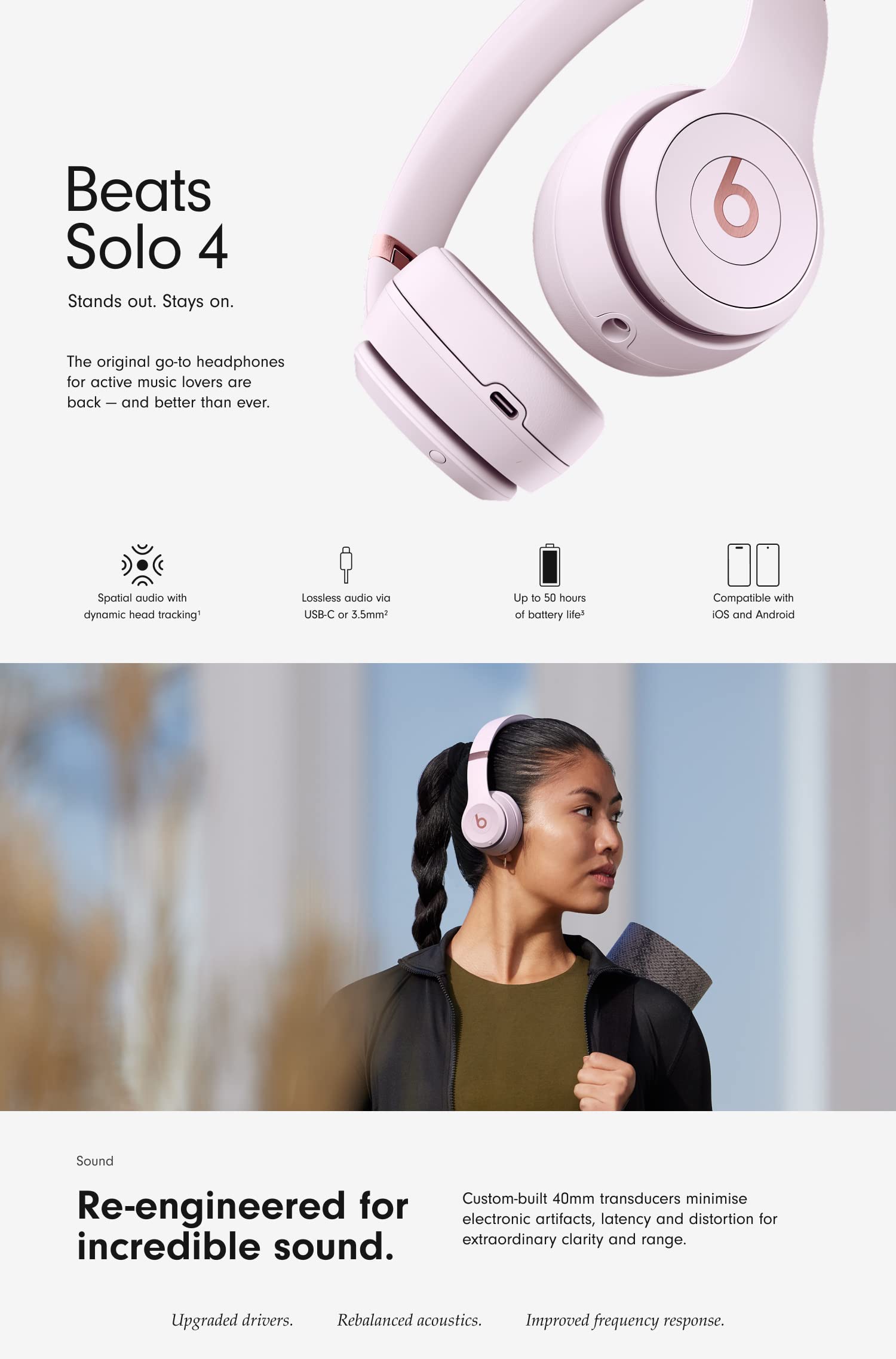
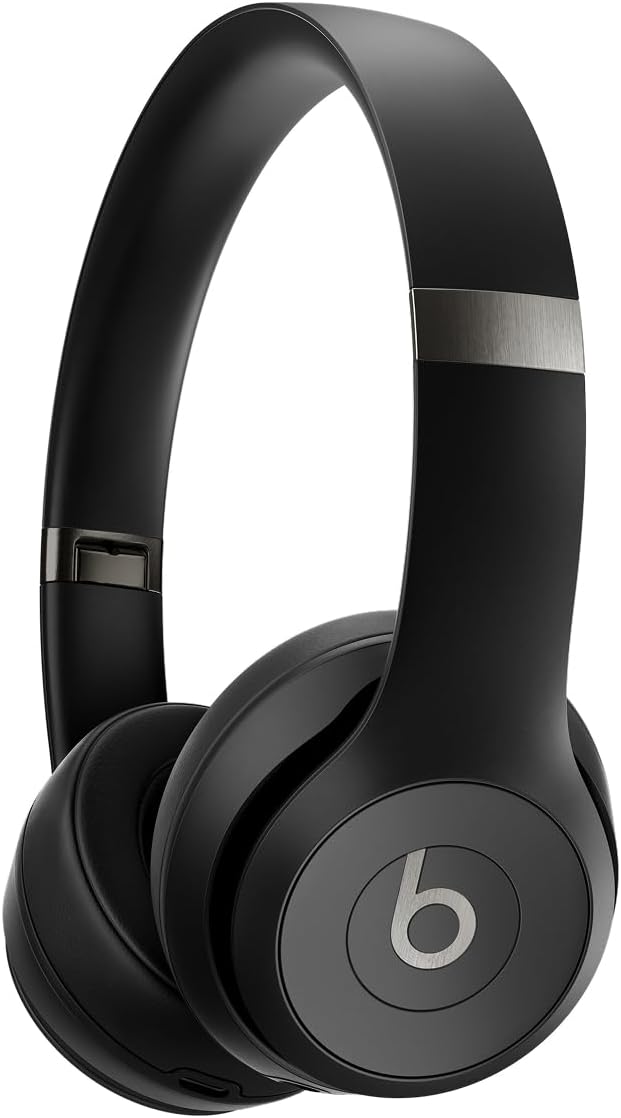
Beats Solo 4 – Wireless Bluetooth On-Ear Headphones, Apple & Android Compatible, Up to 50 hours of Battery Life – Matt Black

السعر الأصلي هو: 14.510,00 EGP.السعر الحالي هو: 12.350,00 EGP.

Beats Solo 4 – Wireless Bluetooth On-Ear Headphones, Apple & Android Compatible, Up to 50 hours of Battery Life – Matt Black

تم إضافة المنتج لعربة التسوق
التصنيفات: ,
الوصف
Shop everyday essentials for your iPad
apple iphone SE
apple iphone SE
apple iphone SE
apple iphone SE
apple iphone SE
apple iphone SE

Frequently Asked Questions

How do I pair with my iPhone?

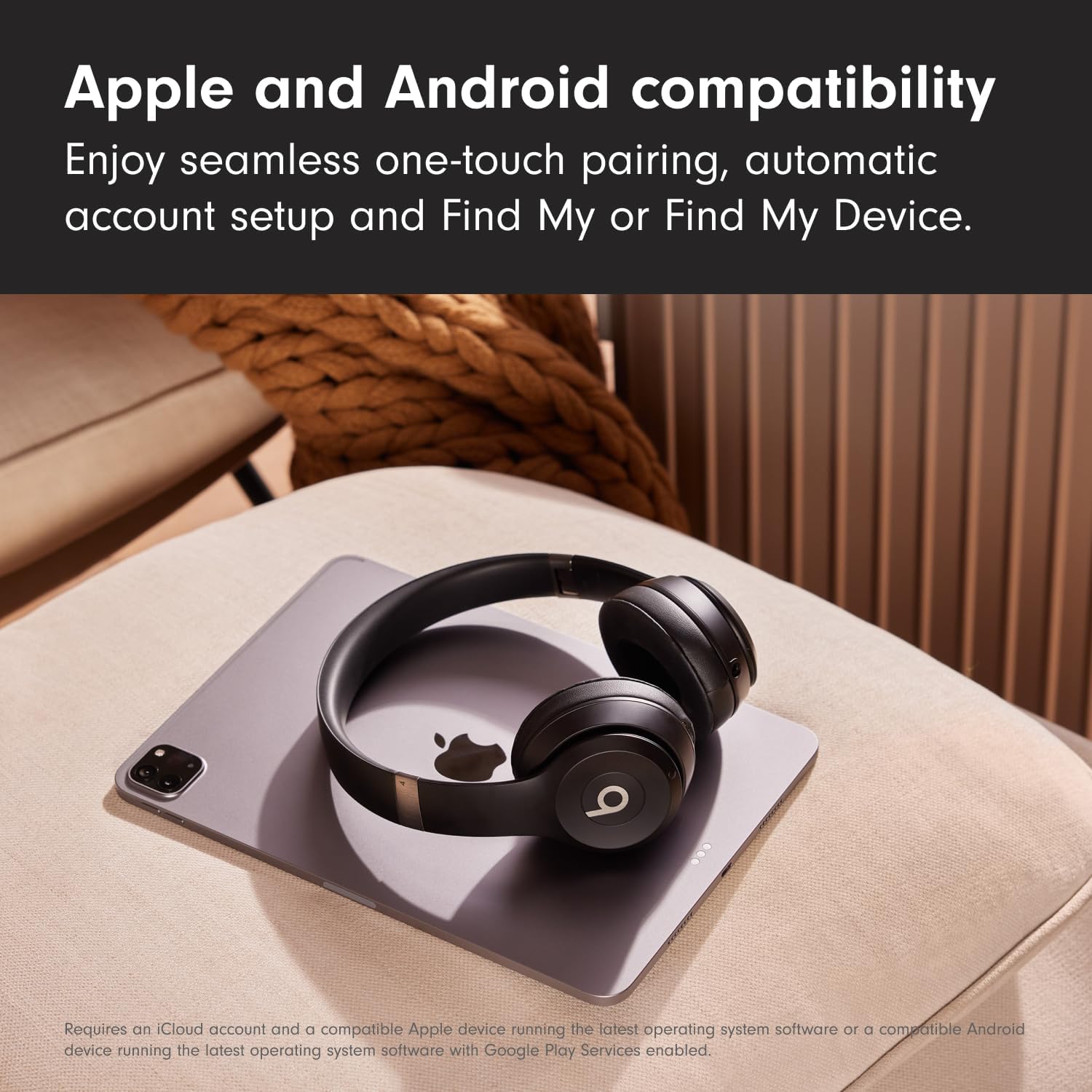
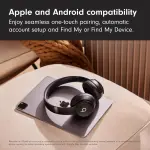
Pairing mode is automatically enabled the first time you turn on your Beats Solo 4. To pair an iPhone running the latest iOS, simply hold the headphones near an unlocked phone and follow the on-screen instructions. Alternatively, go to the Bluetooth menu and select “Beats Solo 4”.

How do I pair with my Android device?

Pairing mode is automatically enabled the first time you turn on your Beats Solo 4. To pair using Google Fast Pair, a one-touch pairing on-screen prompt will appear on your Android device. For older Android devices or to pair manually, use the Beats app or pair in the Bluetooth menu by selecting “Beats Solo 4”. To download the Beats app, visit the Google Play store or download directly from beatsbydre.com.

How do I pair with additional Bluetooth devices?

To initiate pairing mode again, hold down the Power button on the right ear cup until the LED light on the left ear cup begins to flash white. Beats Solo 4 are now in pairing mode and can be paired to any standard Bluetooth device.

How do I activate Siri or other voice assistants?

On Apple devices, you can activate Siri hands-free by saying, “Hey Siri”. Alternatively, press and hold the “b” button to activate your voice assistant on your iOS or Android device.

Do my headphones have a microphone?

Beats Solo 4 have two digital beam-forming microphones powered by an advanced voice-learning algorithm for voice targeting and noise suppression. The algorithm was tested in over 7,000 hours of noisy environments to better isolate your voice.

Can I control calls from my headphones?

Yes, Beats Solo 4 feature controls built into the left ear cup. Use the “b” button to answer or decline incoming calls – one press to answer, two presses to decline. While on a call, one press will mute and unmute, while two presses will end the call.

Can I control my music from my headphones?

Yes, Beats Solo 4 feature controls built into the left ear cup. Use the “b” button to control playback – one press to play or pause, two presses to skip to the next track or three presses to go back. Press above and below the “b” button to turn the volume up and down.

Are my headphones noise-cancelling?

No, Beats Solo 4 do not feature Active Noise Cancelling (ANC). Beats Studio Pro offer both ANC and Transparency mode in an over-ear design.

Do my headphones have spatial audio?

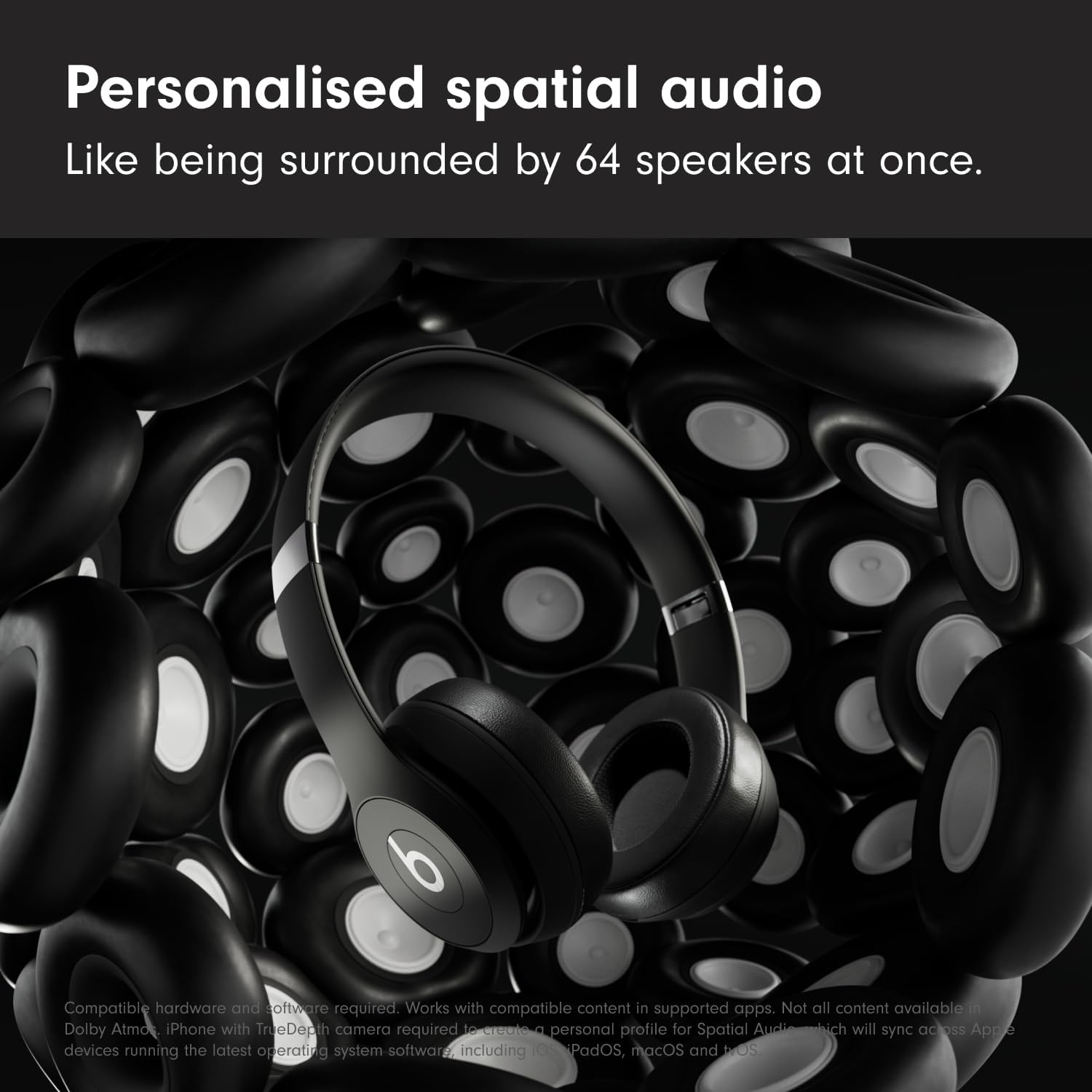
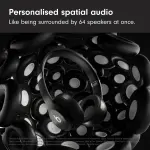
Beats Solo 4 have personalised spatial audio with dynamic head tracking and use built-in gyroscopes and accelerometers to surround you with sound as you move, creating a truly immersive listening experience on Apple platforms. You can customise your spatial audio in your iOS settings by going to Settings > Personalised Spatial Audio and following the on-screen instructions.

Can I plug my headphones into a non-Bluetooth device with an aux cable?

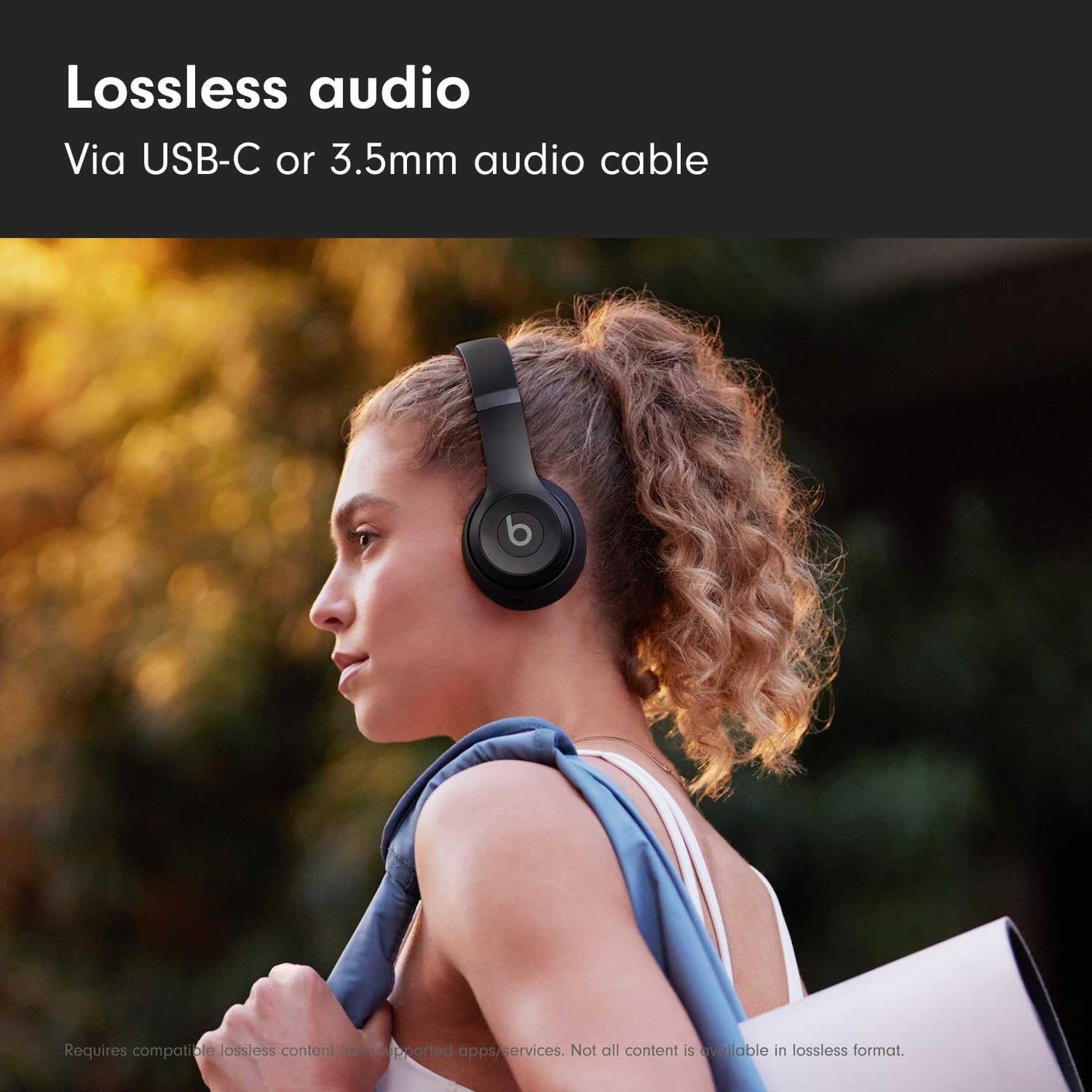
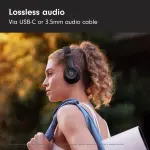
You can listen to high-resolution lossless audio via a USB-C or a 3.5mm audio cable. Listening via a 3.5mm audio cable requires zero battery power.

How do I charge my headphones?

To charge your Beats Solo 4, connect the headphones to a power source using the included USB-C cable. (Note: The USB-C power adapter is sold separately.) The LED light will illuminate while the headphones are charging.

How long does the battery last for?

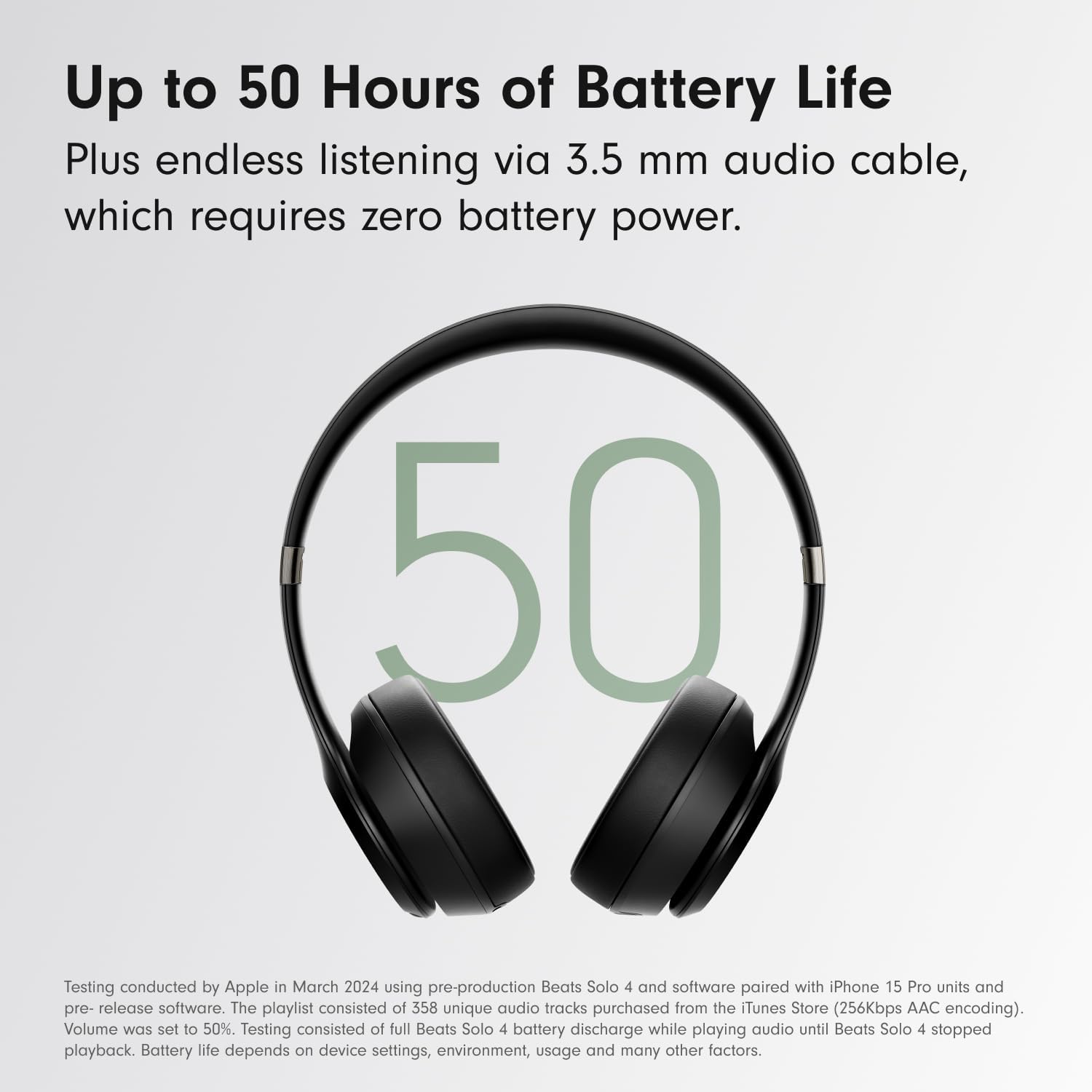
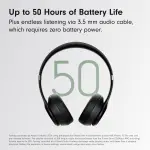
Beats Solo 4 have up to 50 hours of battery life – plus endless lossless audio when listening via the 3.5mm audio cable. If you’re low on power, Fast Fuel means a 10-minute charge gives up to 5 hours of playback.

How can I keep my product up to date?

Software updates will occasionally be made available to enable new features or improve the product experience. These “silent” updates are automatically enabled when connected to an Apple device. To stay up to date on an Android device, download the Beats app from Google Play.


Highlights

  • UltraPlush ear cushions are designed for comfort and durability.
  • Up to 50 hours of battery life.
  • Fast Fuel means a quick 10-minute charge gives up to 5 hours of playback.
  • High-resolution lossless audio via USB-C or 3.5 mm audio cable.
  • Dual compatibility including one-touch pairing for both iOS and Android.

Specifications

Charging Type Type-C
Colour Name Matte Black
Connection Type Wireless
Product Length 6.9 in
Audio Jack 3.5 mm
Model Number Solo 4
Product Weight 217 g
Department Adult Unisex
Average Battery Life More than 24hrs
Product Height 2.7 in
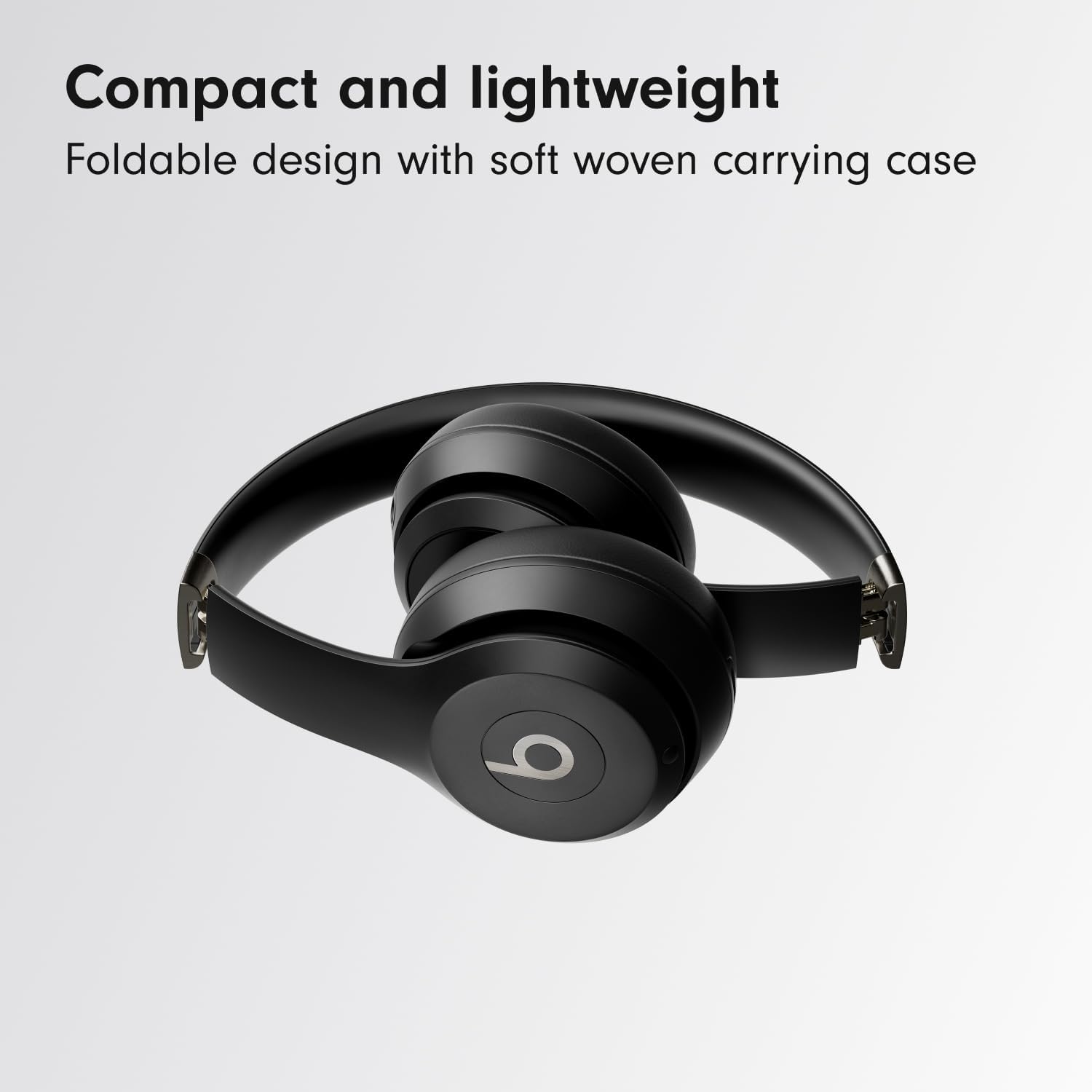
What’s In The Box Beats Solo 4 headphones, Carrying case, USB-C to USB-C cable for charging and audio, 3.5 mm analog audio cable, Quick Start Guide, Warranty Card.
Model Name Beats Solo 4